
If you have tags associated with customers in your store, then you can select one or more of these tags from the Customers who are tagged dropdown. Customers who do not match one of the selected tags will be filtered out and excluded from all reports.
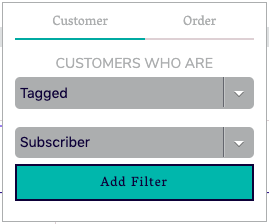
Clicking "Add Filter" will add the filter and display it in the report summary at the top of the screen:
